AI-Submit: Connect Any Microstock
The main innovation is the ability to connect any microstock for uploading and submitting. To do this, just write a simple instruction for the AI and it will upload the files for you and submit them.
Here we show how easy it is to connect Shutterstock to AI submission:
AI submissions can be copied and shared with other microstock contributor. Just click the copy button and paste the submission description into the creation window.
In the AI settings, there is now a separate option to select the AI submission provider. If nothing is set, the provider from the chat is used.
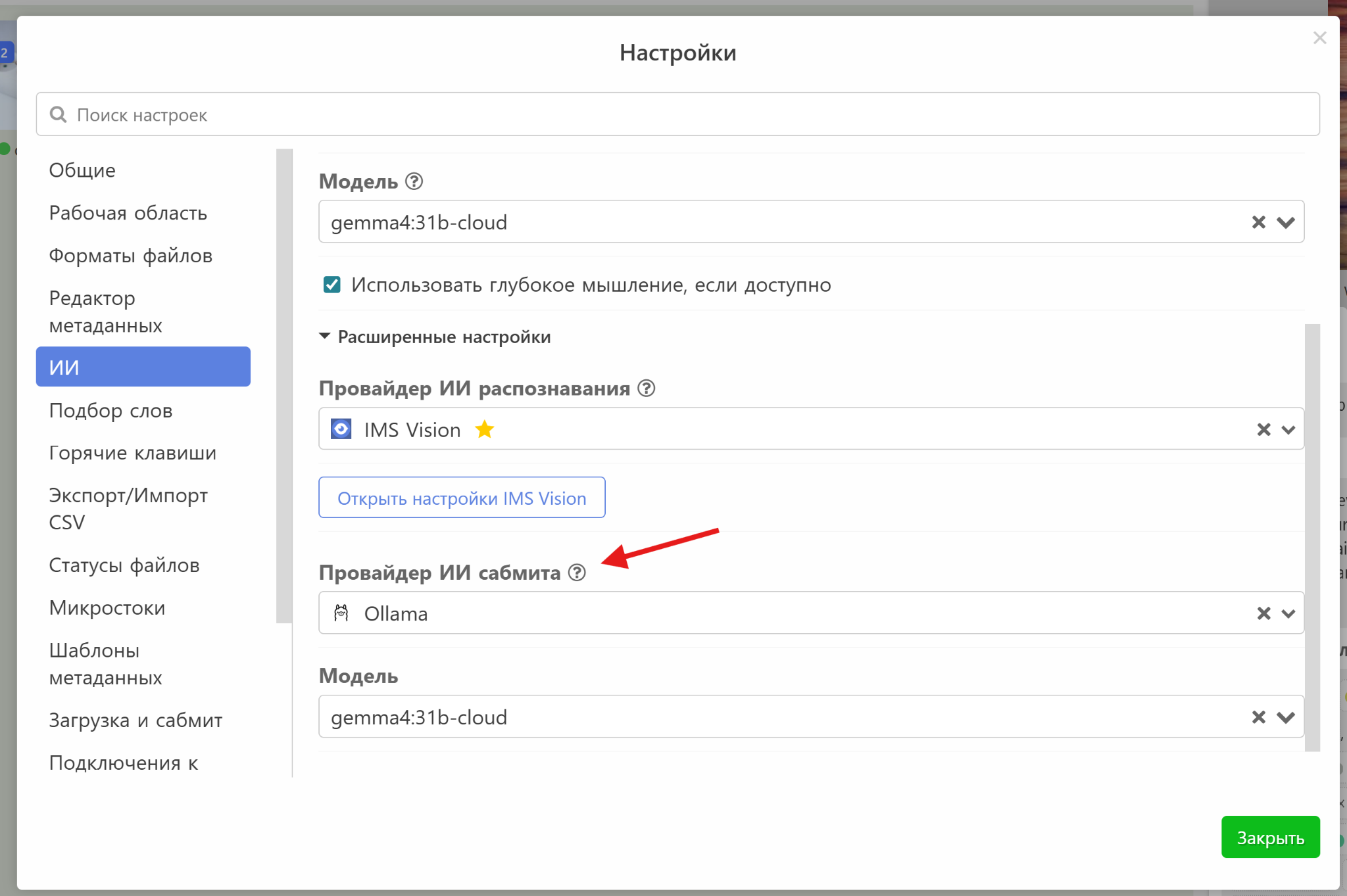
The system works well with modern models of sufficient power (no weaker than gemma4:31b).
Improved AI Integration
- Added the ability to specify a hint when generating metadata. Hold down **Ctrl** and press the recognition button or simply write: “Recognize <your hint>”
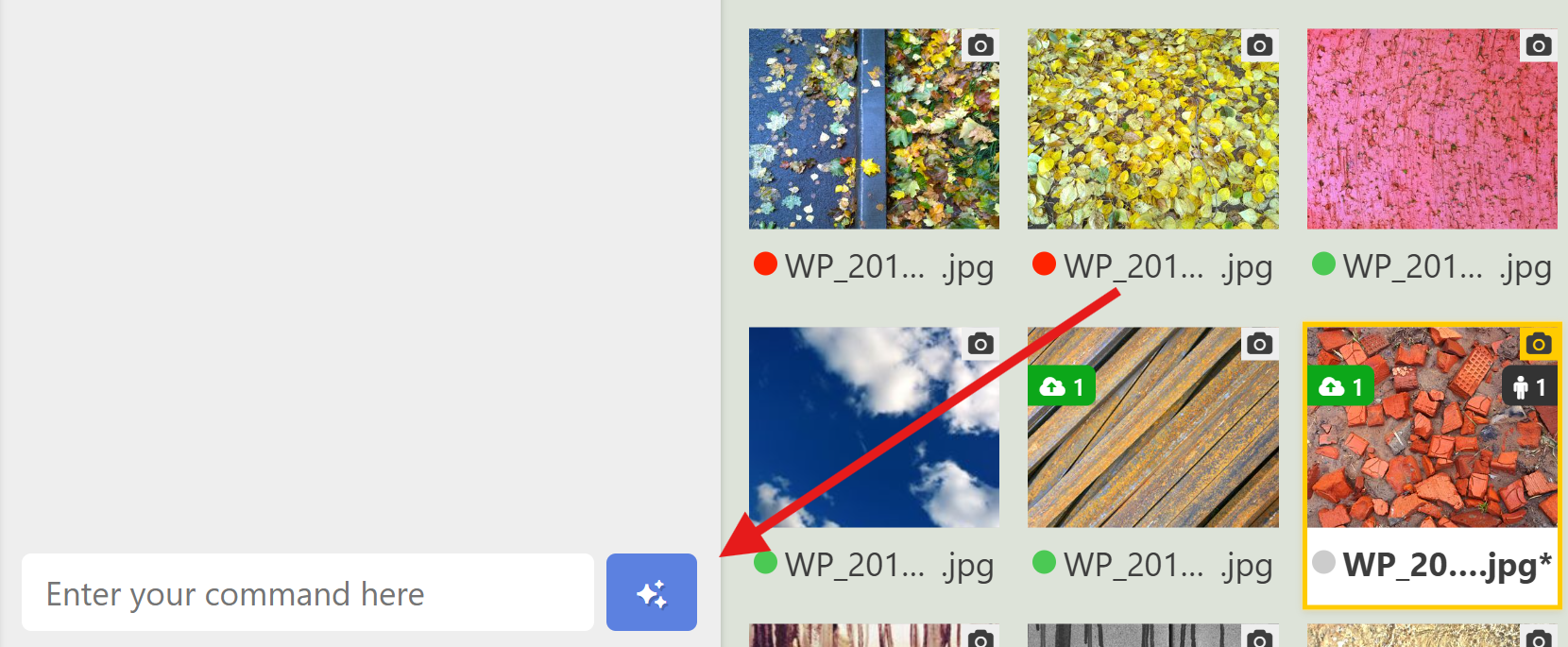
- New AI providers: Gemini, xAI (Grok), Anthropic (Claude) + any OpenAI-compatible API.
Ability to Drag and Drop Files
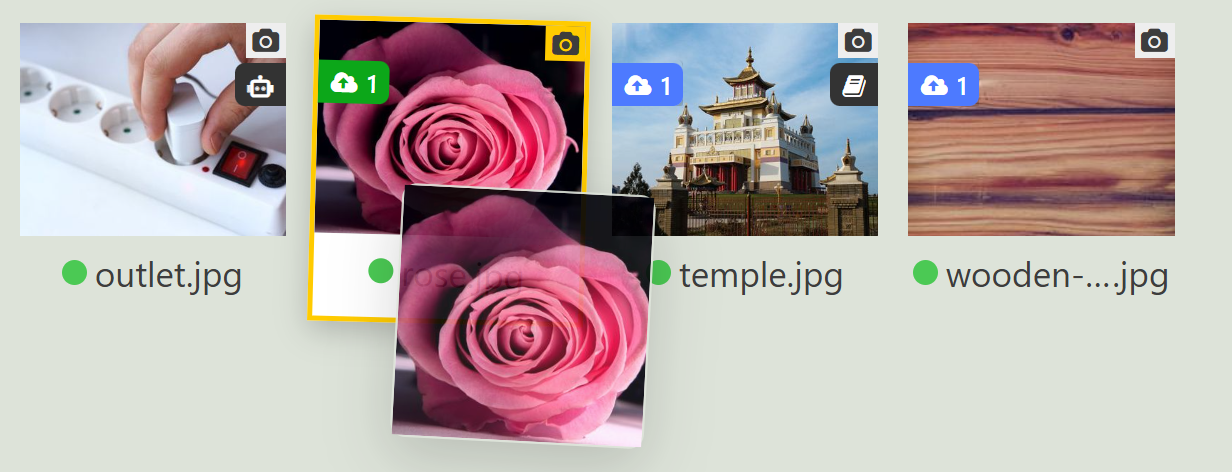
Hold the file and drag it to another folder inside the program or to external programs (for example, directly into the browser to send to microstock).
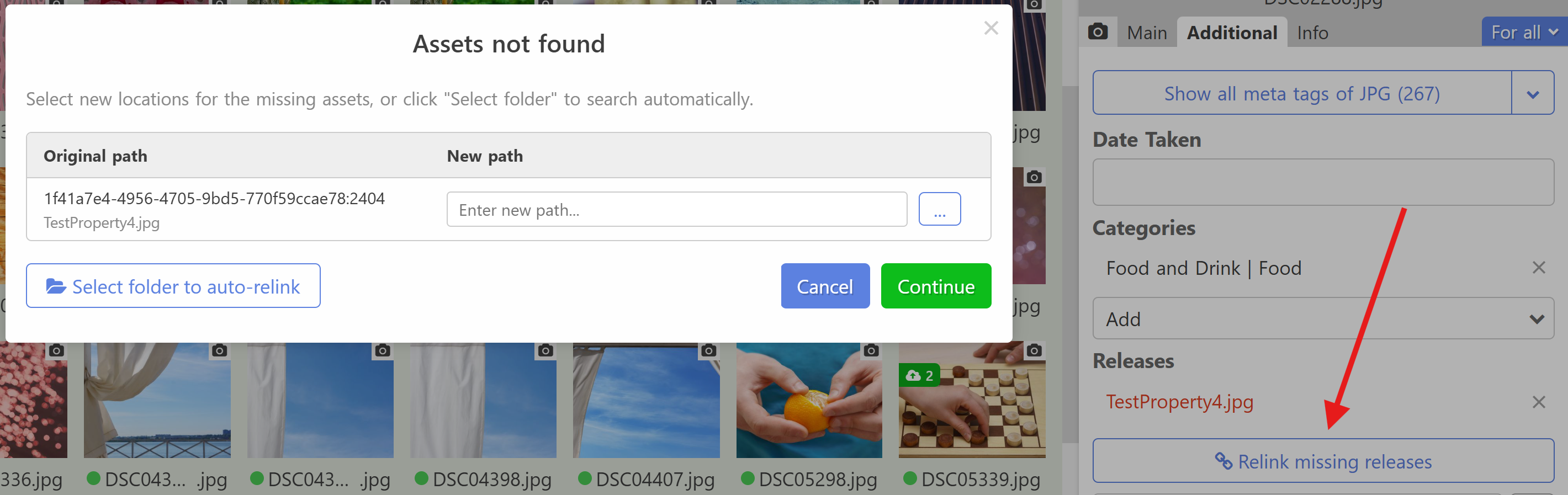
File Linking Window
If files were moved outside the program, it is now easy to restore connections (works for both releases and scheduled processes).
Working with Files
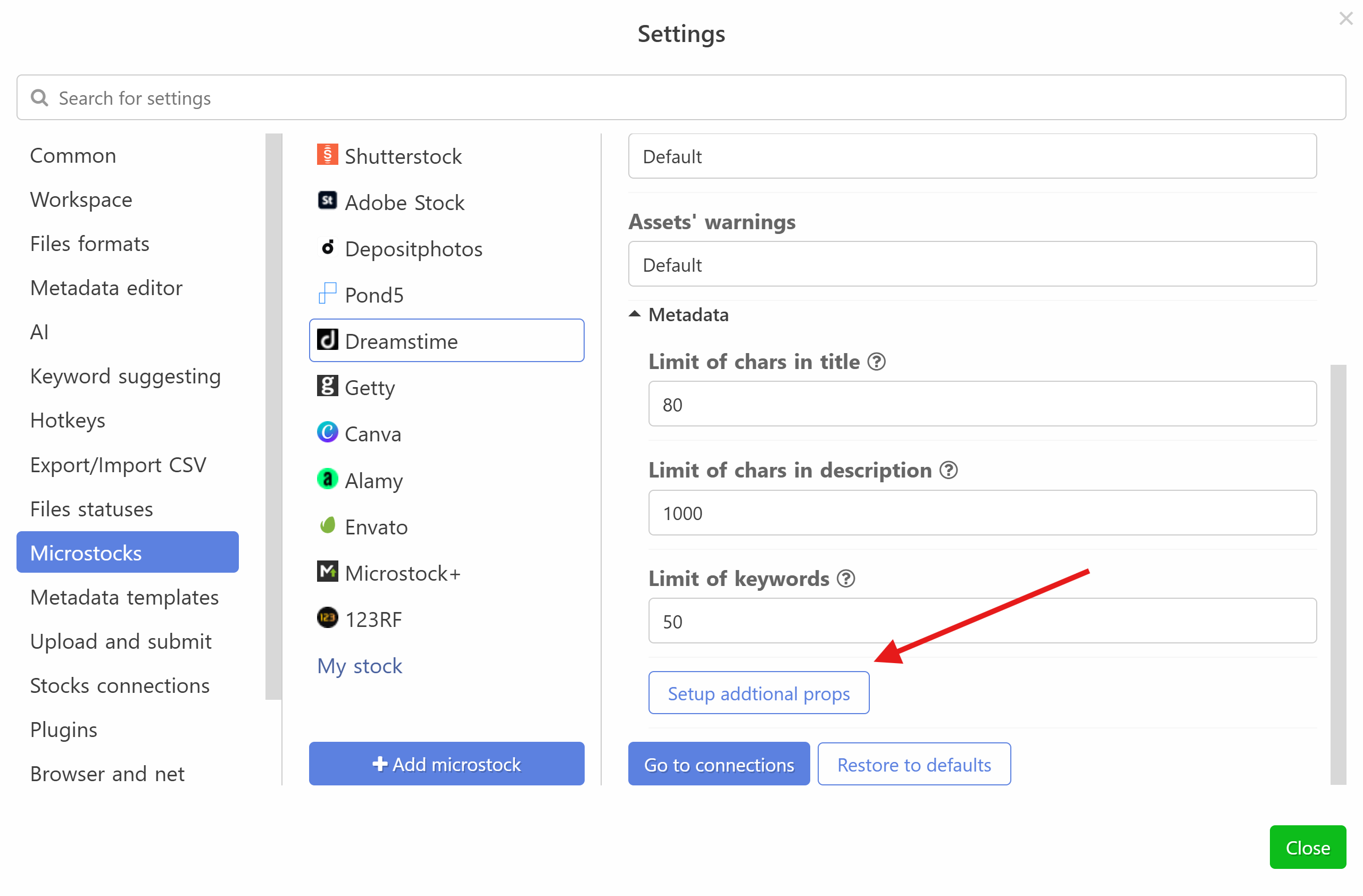
Ability to specify a default value for additional microstock fields.
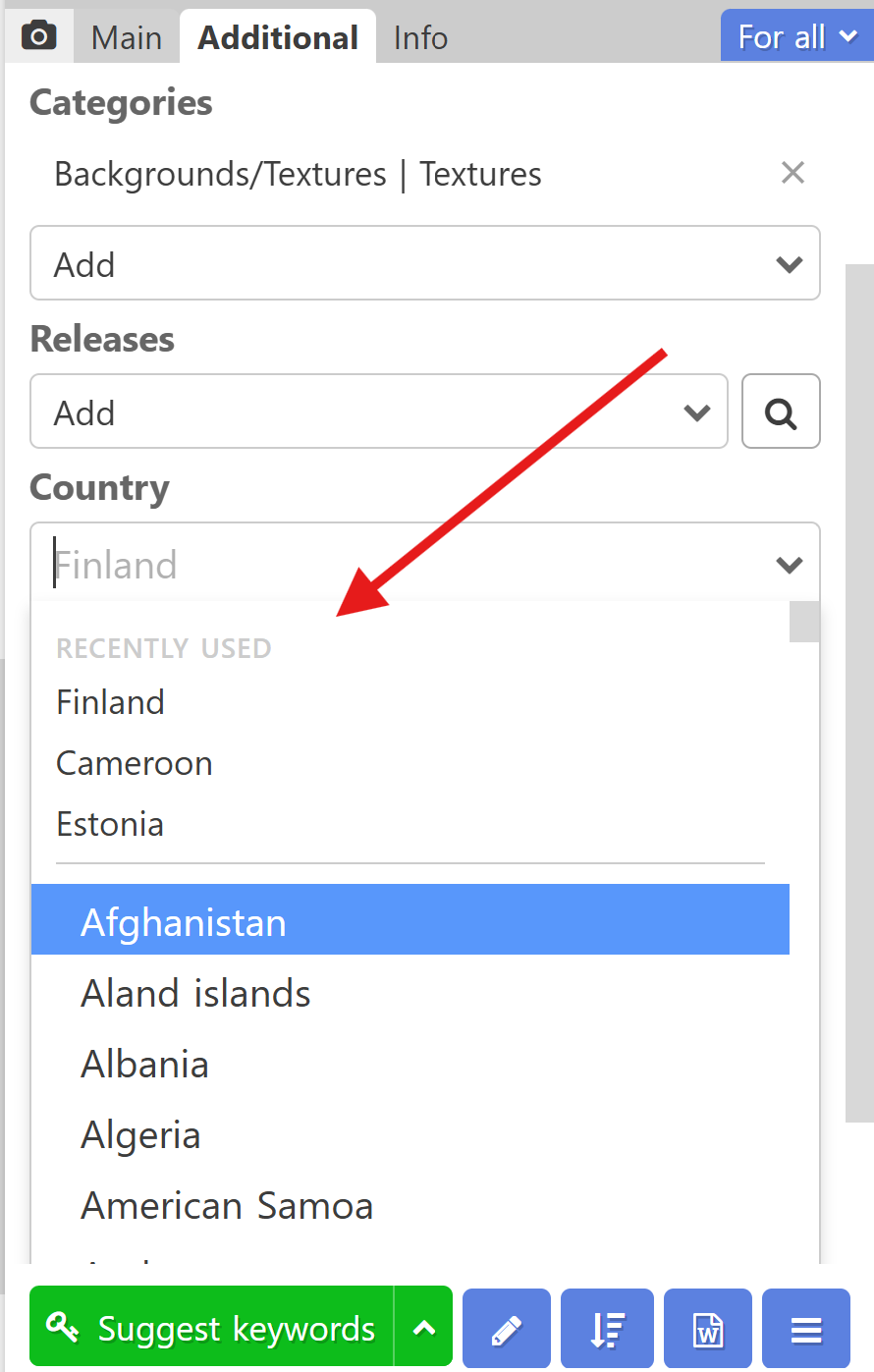
When selecting a country, the last selected countries are now shown for quick selection.
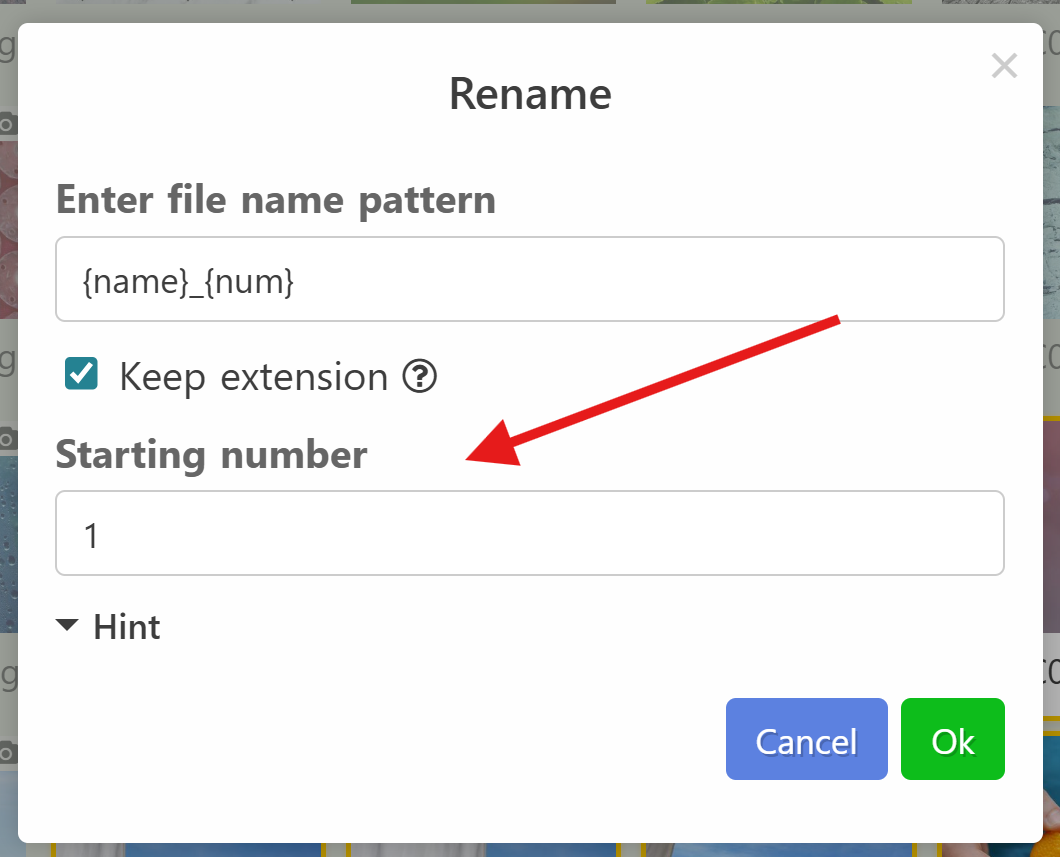
When mass renaming files, it is now possible to set the initial value of the counter.
New commands
- Added a command that allows you to swap the name and description. Available in the context menu and can be assigned a hotkey in settings.
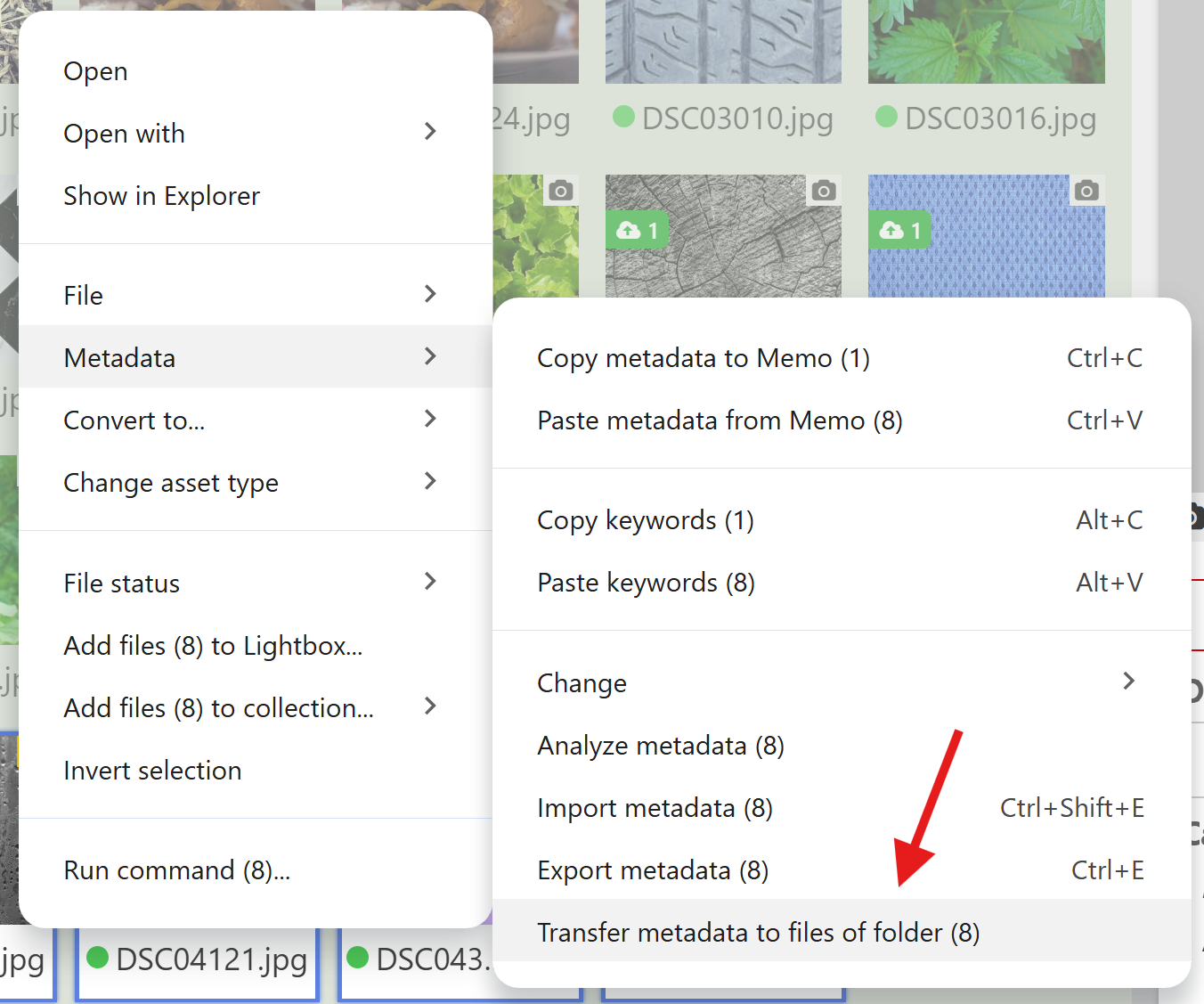
- Added a command to transfer metadata from current files to files in another folder. That is, if your files have the same names, you can easily synchronize metadata between them using this command.
Export Improvements to CSV
- Now, if a file has several extensions, you can upload the file to CSV several times (for example, a row for jpg and a row for eps).
- Ability to specify space as a separator for keywords, releases, categories.
- Replacing space with hyphen in the releases column.
- Duplicating columns in CSV settings.
Upload and Submit Improvements
The internal browser now remembers passwords and automatically inserts them into login forms.
In addition:
- Optimized uploading of large files through submission plugins.
- When uploading to FTP:
- Files are first uploaded under a temporary name (can be disabled).
- A speed indicator has appeared.
- Automatic connection reset if no data is sent for a long time (configurable).
Other Changes
- Added support for .m4v format.
- The scheduled date is now displayed in the process list (instead of creation date).
- Fixed time selection when scheduling.
- New functions added to formulas: `contains`, `contains_regexp`, `search`, `search_regexp`.
- Option “Write metadata directly to the file without copying”.
- Option to display the full file path instead of the name in the metadata editor panel.
- Search and replace history.
- Filter by folders.
- Renaming root folders.
- Improved work with network drives.
- The program interface has been improved.
On this wonderful note, we end the review of our update!
Follow us on social media:
Subscribe to us on social networks
(https://t.me/imstocker_en - here we publish our news and write your suggestions and recommendations in telegram chat (https://t.me/imstocker_chat_en) or send a feedback form (https://imstocker.com/en/page/feedback?product=ims-studio). See you soon, dear users!